




CardValet®
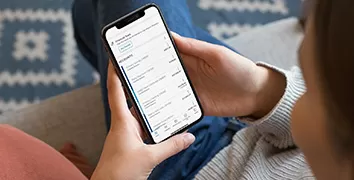
Track your spending using your mobile device
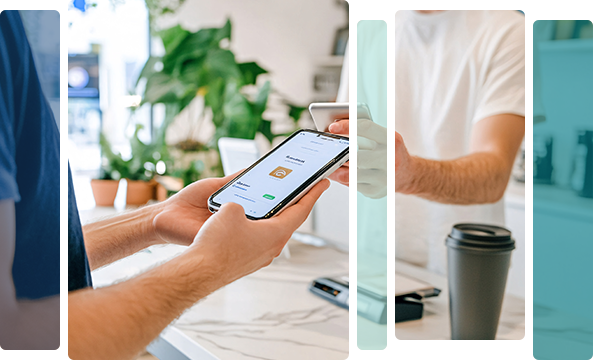
Easily track your debit card spending by downloading CardValet® from the App Store or Google Play. Set and receive card alerts, control card usage, and monitor transactions—all from your mobile device. Please note that beginning November 6, 2026, this service is not available for credit cards.
Here’s how to start using CardValet®:
- Open the CardValet® app.
- Select New User on the home screen.
- Enter your card number or use your device’s camera to scan the card.
- Enter the address, security code, expiration, and ZIP Code associated with the card.
- As a final verification step, enter the last four digits of your Social Security number.
- When the Terms & Conditions appear, select Accept.
- When the Privacy Notice appears, select Accept.
- Create a username and secure password (one that does not include personal identifying information.
- When you reach the login page, sign in with your new username and password.
Download CardValet®
 |
 |